Bulk Generate Code 128 Barcodes
Organize your entire warehouse instantly. Learn how to generate hundreds of high-density Code 128 barcodes in bulk to label storage bins and shelving units.
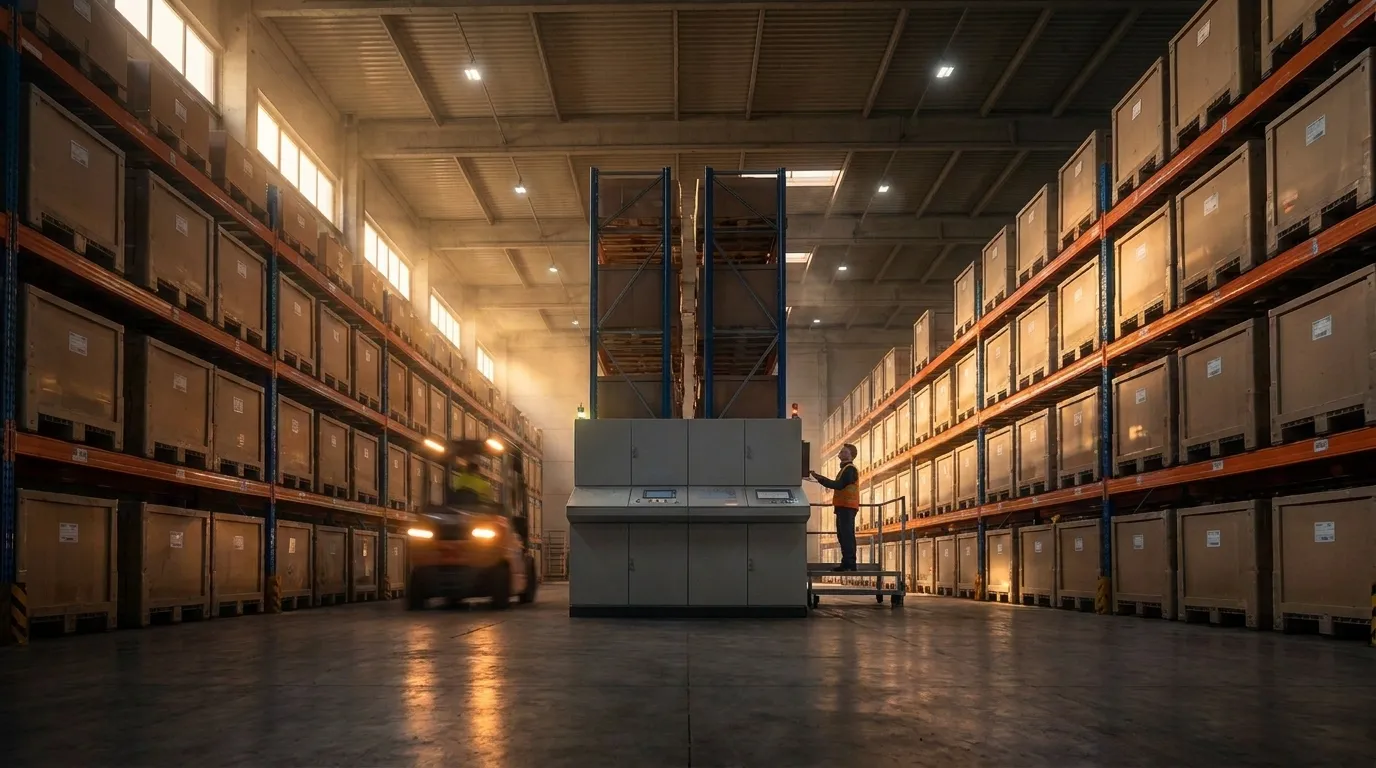
The Physical Space Constraint
When outfitting a new warehouse or fulfillment center, every single aisle, shelf, and individual plastic storage bin needs a scannable location ID. Location IDs are often long alphanumeric strings (like AISLE-4-SHELF-B-BIN-092).
Because the physical space on the lip of a plastic bin or the edge of a metal shelf is extremely limited, you need a high-density barcode that can compress long data strings into a narrow physical space. Code 128 is the perfect symbology for this because its data compression algorithm makes it significantly narrower than Code 39 for the exact same data.
Labeling 5,000 Bins Instantly
To label a warehouse with 5,000 bins, you cannot generate labels individually. A bulk barcode 128 generation workflow is required.
Using a Bulk Barcode Generator, you can accomplish this in minutes:
- Export your list of bin locations from your Warehouse Management System (WMS) to an Excel sheet.
- Paste the 5,000 rows into the bulk generator.
- Select "Code 128" as the symbology.
- Export a single PDF document perfectly formatted for Avery label sticker sheets.
- Print using a standard office laser printer, walk the aisles, and label every bin rapidly.
Full ASCII Support
Another advantage of Code 128 for warehouse bins is that it supports all 128 characters of the ASCII table. If your WMS uses complex location IDs with lowercase letters, underscores, or unusual punctuation, Code 128 can encode it natively without any workarounds.
Structuring Warehouse Bin Location Codes
A scalable Warehouse Management System (WMS) relies on a hierarchical naming convention for rack and shelf locations. By encoding these structured identifiers into Code 128, pickers can confirm bin visits with a split-second scan:
| Hierarchy Level | Segment Format | Description | Complete Example |
|---|---|---|---|
| Building / Zone | Z1, W02 | Main warehouse zone or room | Z1-A04-S03-B12 |
| Aisle Number | A01 through A99 | Storage aisle row | |
| Shelf Level | S01 (Ground) to S06 | Vertical shelf rack tier | |
| Bin / Slot | B01 to B30 | Individual tote or pick slot |
Code 128 vs. Code 39 vs. 2D Data Matrix for Racks
| Feature | Code 128 | Code 39 | Data Matrix |
|---|---|---|---|
| Physical Width | Compact (fits on 1" bin lip) | Wide (often wraps around bin) | Small square (0.5" x 0.5") |
| Long-Range Scanning | ✅ Excellent with 1D/2D scanners | ✅ Good | ⚠️ Requires high-res camera imager |
| Check Digit Security | Mandatory Modulo 103 | Optional (prone to misreads) | Reed-Solomon ECC200 |
| Human-Readable Text | Directly below barcode | Directly below barcode | Requires separate text field |
Long-Range & Retroreflective Label Tips
- Upper Racks (Forklift Scanning): For rack locations above 3 meters (10 feet), use retroreflective polyester label stock. These reflect scanner beams back over distances of up to 15 meters.
- Color Coding: Add colored background banners or color-coded shelf tags (e.g., Green for Level 1, Yellow for Level 2) alongside the Code 128 barcode to help pickers visually navigate racks faster.
- Durable Laminate: Warehouse bins experience constant friction. Use thermal transfer polypropylene labels with a protective topcoat to resist abrasion and cleaning chemicals.