Bulk Generate Code 39 Barcodes
Learn how to paste thousands of internal SKUs from a spreadsheet and instantly export them as a batch of Code 39 barcodes for warehouse tracking.
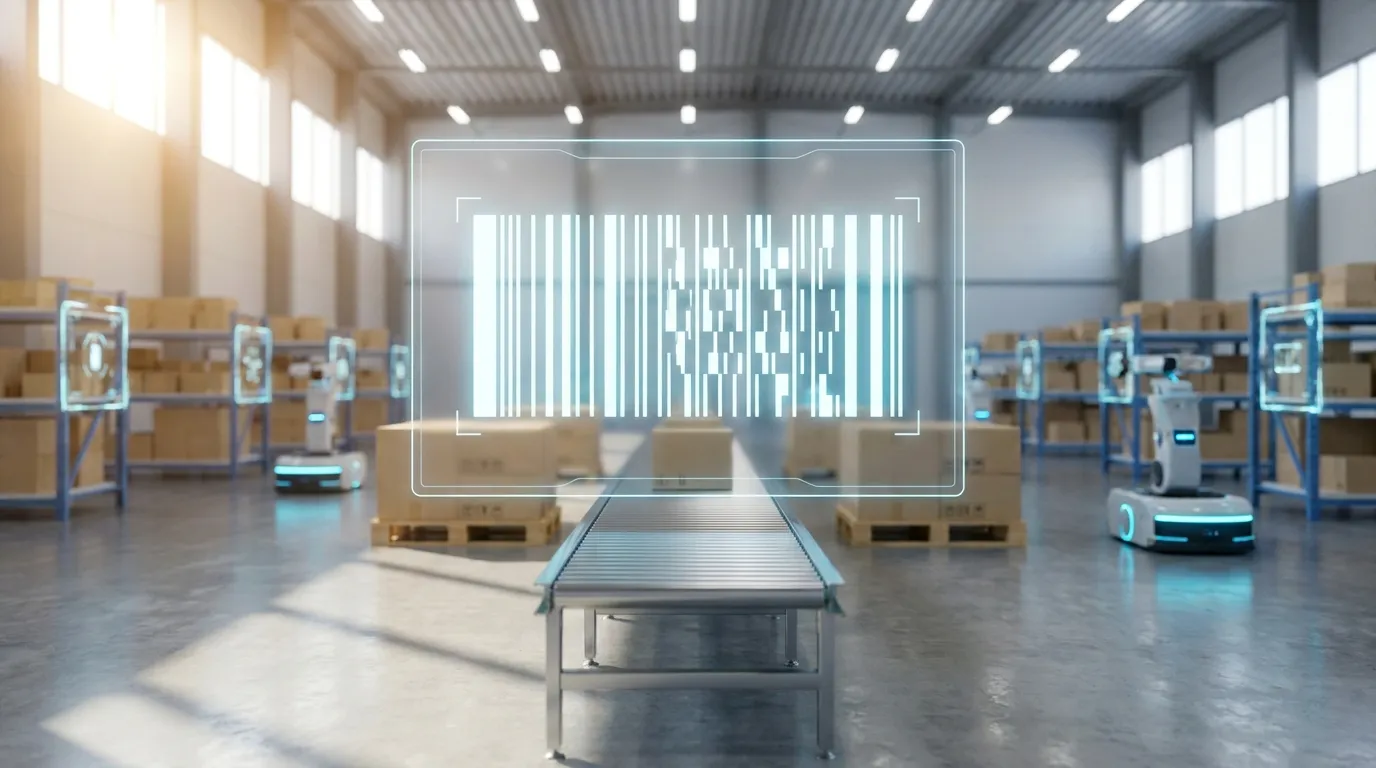
The Alphanumeric Standard
When setting up an internal inventory management system, you need a barcode symbology that is universally supported by almost every scanner on the market and can encode alphanumeric characters. Code 39 is the original, battle-tested standard for exactly this purpose.
Whether you are tagging office assets like laptops (e.g., LAPTOP-001) or labeling warehouse stock keeping units (SKUs) on shelving units, Code 39 provides a robust, easy-to-read solution that natively supports letters, numbers, and hyphens.
Generating Thousands at Once
Manually typing in SKUs one by one to generate barcodes for an entire warehouse is an exercise in frustration. That is why modern operations rely on bulk generation tools.
Using a Bulk Barcode Generator, the workflow is dramatically simplified:
- Copy the column of SKUs from your Excel or Google Sheets inventory master list.
- Paste the list into the bulk generator.
- Select "Code 39" as the output format.
- Download a single, print-ready PDF containing hundreds of perfectly formatted labels.
Code 39 vs. Code 128 for Inventory
While Code 39 is universally compatible, it is a "wide" barcode. If your SKUs are very long (e.g., more than 12 characters) and your physical label size is small, you might run out of room. In those cases, you should switch your bulk export to Code 128, which is much denser and takes up less physical width.
Why Code 39 Remains Popular in Manufacturing & Defense
Developed in 1974 by Intermec, Code 39 (also known as 3 of 9) is one of the most battle-tested symbologies in history. It remains mandated across many mission-critical applications:
- Military Standard MIL-STD-130: Required by the US Department of Defense for identifying discrete hardware items and defense inventory.
- Automotive AIAG Standards: Mandated by the Automotive Industry Action Group for tier-1 supplier shipment labeling.
- Legacy ERP Systems: Compatible with vintage terminal emulation systems (VT100/AS400) where modern barcode symbology decoders are not installed.
Code 39 vs. Code 128 Comparison
| Feature | Code 39 | Code 128 |
|---|---|---|
| Characters Supported | 43 characters (A-Z, 0-9, -, ., $, /, +, %, space) | All 128 ASCII characters (including lowercase) |
| Encoding Ratio | 9 elements per character (3 wide, 6 narrow) | 11 modules per character (high density) |
| Start / Stop Characters | Mandatory asterisks (*) | Dedicated start/stop character patterns |
| Self-Checking | Yes, natively self-checking | Uses calculated modulo 103 checksum |
| Recommended Use | Government, DoD, automotive, heavy equipment | Commercial logistics, retail supply chain, e-commerce |
Bulk Code 39 Formatting Tips
When preparing your CSV or spreadsheet data for bulk Code 39 creation:
- Uppercase Conversion: Code 39 only supports uppercase letters. Ensure your spreadsheet data uses
UPPER()formulas or let our tool automatically sanitize input strings. - Start/Stop Asterisks: You do not need to manually type asterisks (
*PART123*) into your spreadsheet — our generator automatically embeds the standard start and stop characters in the generated barcode pattern.