Bulk Generate ITF-14 Barcodes
Learn how to generate batches of rugged ITF-14 logistics barcodes optimized for printing directly onto corrugated cardboard shipping cartons.
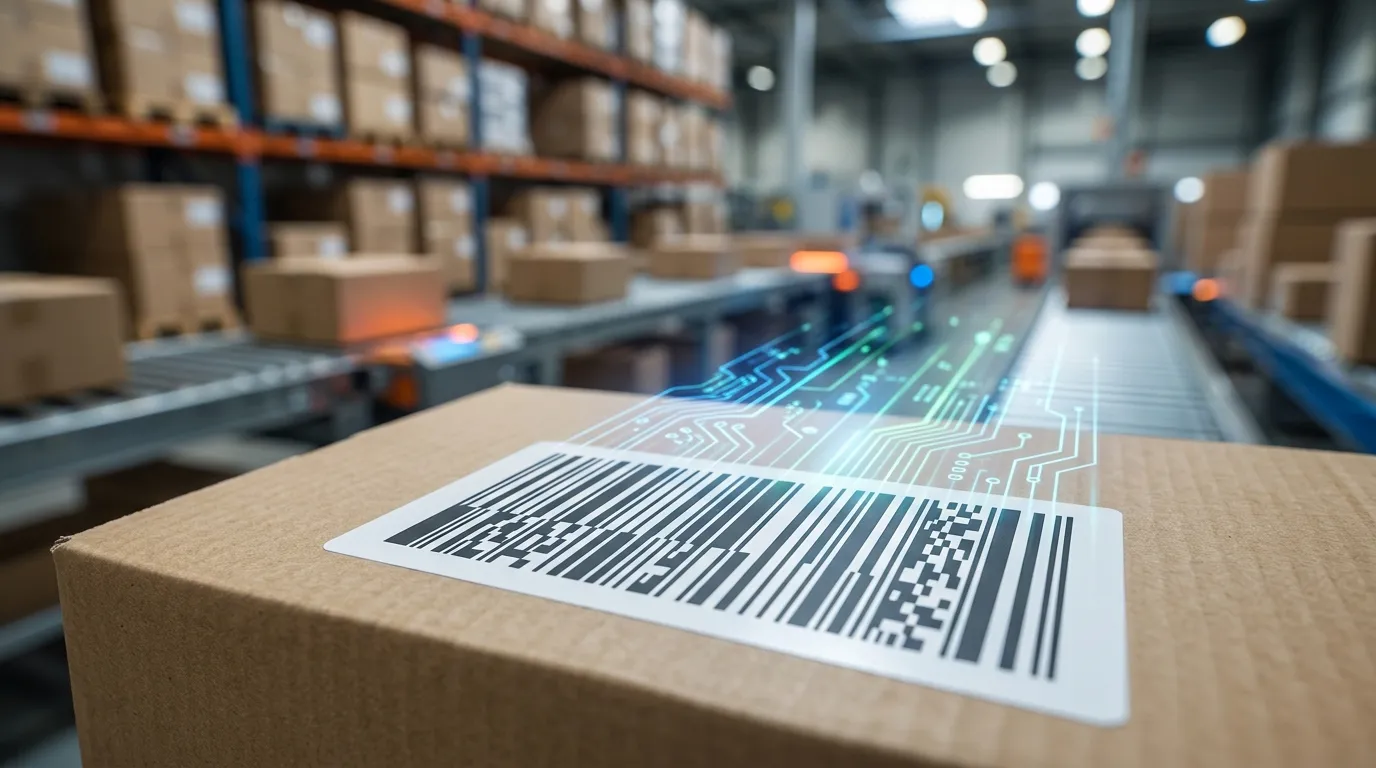
The Outer Carton Standard
When shipping wholesale cases of products to major retail distribution centers (like Walmart or Target), compliance manuals require a 14-digit GTIN to be printed on the outside of the bulk shipping carton. The global GS1 standard for this is the ITF-14 barcode.
What makes ITF-14 unique is its "bearer bars"—the thick black borders surrounding the barcode. These borders act as a physical buffer during the printing process. They equalize the pressure of the printing plate, preventing the ink from bleeding and smudging when printed directly onto cheap, highly porous brown corrugated cardboard.
Exporting for Packaging Manufacturers
If you manage a product catalog with dozens or hundreds of items, you need a way to generate all of your ITF-14 carton codes simultaneously to send to your box manufacturer in China or locally.
Using a Bulk Barcode Generator simplifies this massive workflow:
- Calculate the 14-digit GTINs for all your product cases in Excel.
- Paste the entire column of numbers into the bulk generator.
- Select "ITF-14" as the output format.
- Download a ZIP file containing every barcode as a high-resolution Vector SVG or PNG image.
- Send the ZIP file directly to your cardboard box printer.
ITF-14 vs. GS1-128
Remember, ITF-14 is strictly for printing the 14-digit product ID directly onto the cardboard. If you need to include dynamic tracking data like expiration dates, batch numbers, or serial numbers on the box, you must generate GS1-128 barcodes and print them on paper sticker labels instead.
The Engineering Behind ITF-14 Bearer Bars
ITF-14 (Interleaved 2 of 5, 14 digits) is specially engineered to solve the hardest problem in barcode scanning: reading barcodes printed directly onto rough, absorbent corrugated cardboard boxes.
The distinctive thick black border surrounding an ITF-14 barcode is called a Bearer Bar. Bearer bars serve two essential functions:
- Preventing Short Scans: If a laser beam crosses an ITF barcode at a diagonal angle, it could prematurely exit the symbol and produce a false scan. The bearer bar ensures the scanner detects when the beam has left the symbol boundaries.
- Equalizing Print Plate Pressure: During flexographic printing on corrugated cardboard, the bearer bar evens out mechanical pressure across the printing plate, preventing the barcode bars from becoming squished or distorted.
ITF-14 vs. GS1-128 vs. UPC-A for Outer Shipping Cases
| Feature | ITF-14 | GS1-128 | UPC-A / EAN-13 |
|---|---|---|---|
| Typical Surface | Direct on Corrugated Kraft Cardboard | Thermal Paper Label on Box | Glossy Retail Box / Bag |
| Print Tolerance | High (handles ink bleed on porous fiber) | Medium (needs crisp edge definition) | Low (requires high contrast) |
| Data Carried | 14-digit GTIN-14 case code | GTIN, Lot, Expiry, SSCC | 12 or 13 digit individual retail item |
| Point of Sale (POS) | ❌ Not for checkout registers | ❌ Not for checkout registers | ✅ Retail checkout scanners |
Master Carton Label Specifications
- Magnification Factor: GS1 specifies ITF-14 magnification between 50% (71.1mm width) and 100% (142.2mm width). When printing directly on corrugated corrugate, use at least 80% to 100% size for reliable scanning.
- Placement: Print the barcode on at least two adjacent sides of the shipping carton, with the bottom of the bearer bar 32mm above the container base.