Bulk Generate QR Codes
Learn how to generate thousands of vCard or URL QR codes in bulk to print on corporate employee ID badges for secure access and networking.
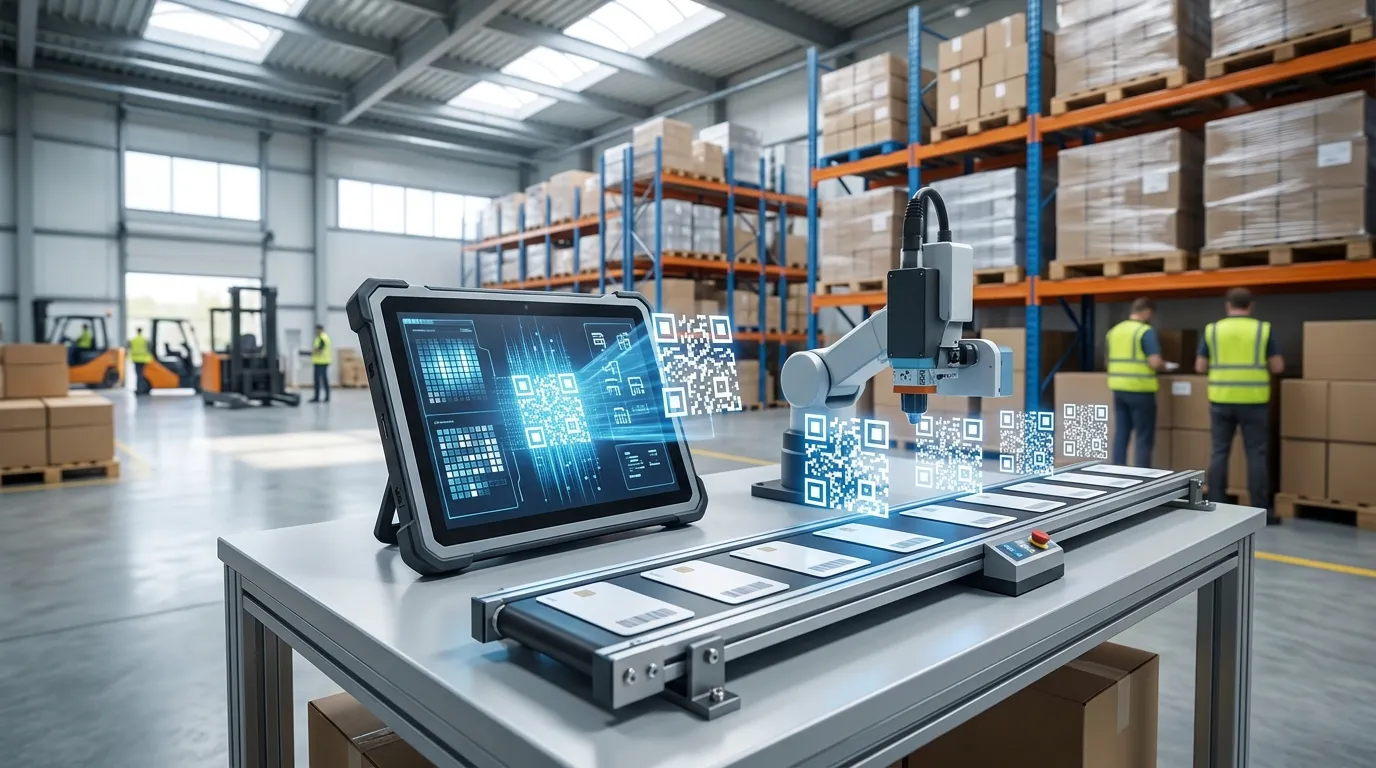
The Modern ID Badge
In modern corporate offices and enterprise campuses, employee ID badges serve multiple purposes. They are used for building access control, time clock punching, and increasingly, as digital business cards for networking at conferences.
A standard 1D barcode is no longer sufficient; HR departments are upgrading to QR Codes. Because a QR code is a 2D matrix, it can hold complex data—like a complete vCard (virtual contact file) or a direct URL to a secure employee authentication portal.
Upgrading the Entire Company
When onboarding a new class of 500 hires or upgrading the entire company's badge system, generating these QR codes manually is an impossible task for the HR and Security teams.
Using a Bulk QR Code Generator simplifies the process:
- Export the employee database (secure IDs, or vCard strings) from your HR software (like Workday).
- Paste the rows directly into the bulk generator.
- Select "QR Code" as the output format.
- Download a ZIP folder containing every employee's QR code as a high-resolution PNG image.
- Import the images into your specialized plastic ID card printing software (like IDpack or Asure ID).
Smartphone Compatibility
The major advantage of putting a QR code on an employee ID badge is that it doesn't require a specialized scanner. If an employee attends a trade show, a potential client can simply point their native iPhone or Android camera at the badge to instantly save their contact information.
Data Payloads for QR Code ID Badges
Unlike 1D barcodes that only hold short numeric strings, QR Codes can store structured metadata directly on the physical ID badge:
| Use Case | Encoded Data Format | Scanning Behavior |
|---|---|---|
| Employee Contact (vCard) | BEGIN:VCARD\nFN:John Doe\nTEL:555-0192\nEND:VCARD | Opens contact card in smartphone address book |
| Security Access UUID | EMP-9482-A7B8C9D0-SEC | Validates token against security gate turnstile API |
| Conference Attendee | https://event.com/badge/chk?id=84920 | Opens attendee session check-in page in browser |
| Visitor WiFi Pass | WIFI:T:WPA;S:CorpGuest;P:Pass2026;; | Instantly connects phone to guest network |
Choosing the Right Error Correction Level for Badges
QR codes feature four Reed-Solomon Error Correction levels:
- Level L (7% recovery): Lowest data redundancy, produces the smallest, simplest QR pattern. Best when badges are printed cleanly with large dimensions.
- Level M (15% recovery): The industry standard default — excellent balance of density and resilience against scratches.
- Level Q (25% recovery) / Level H (30% recovery): Essential if you intend to overlay a company logo in the center of the QR code or if badges will be subjected to heavy physical wear in factories.